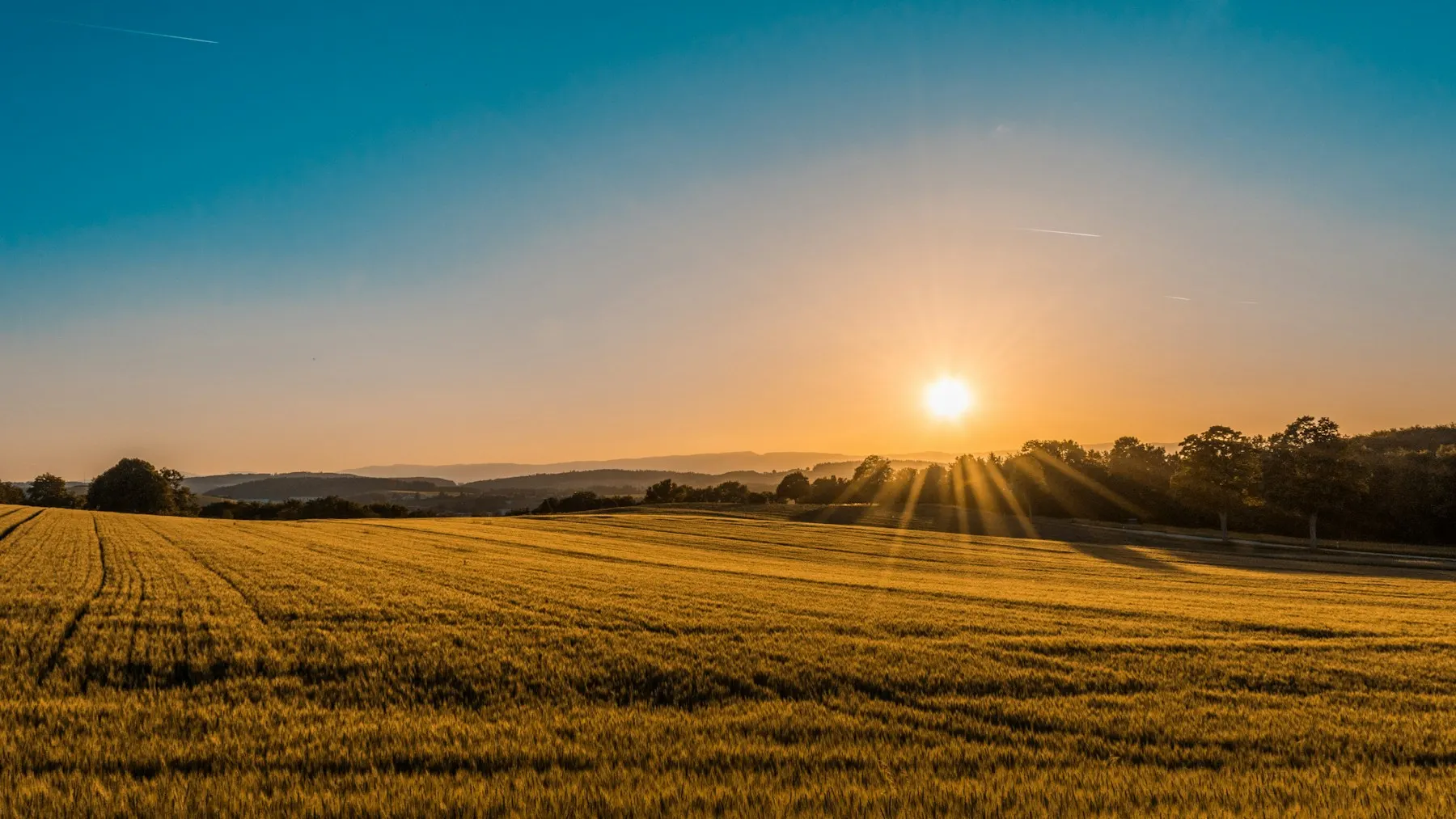
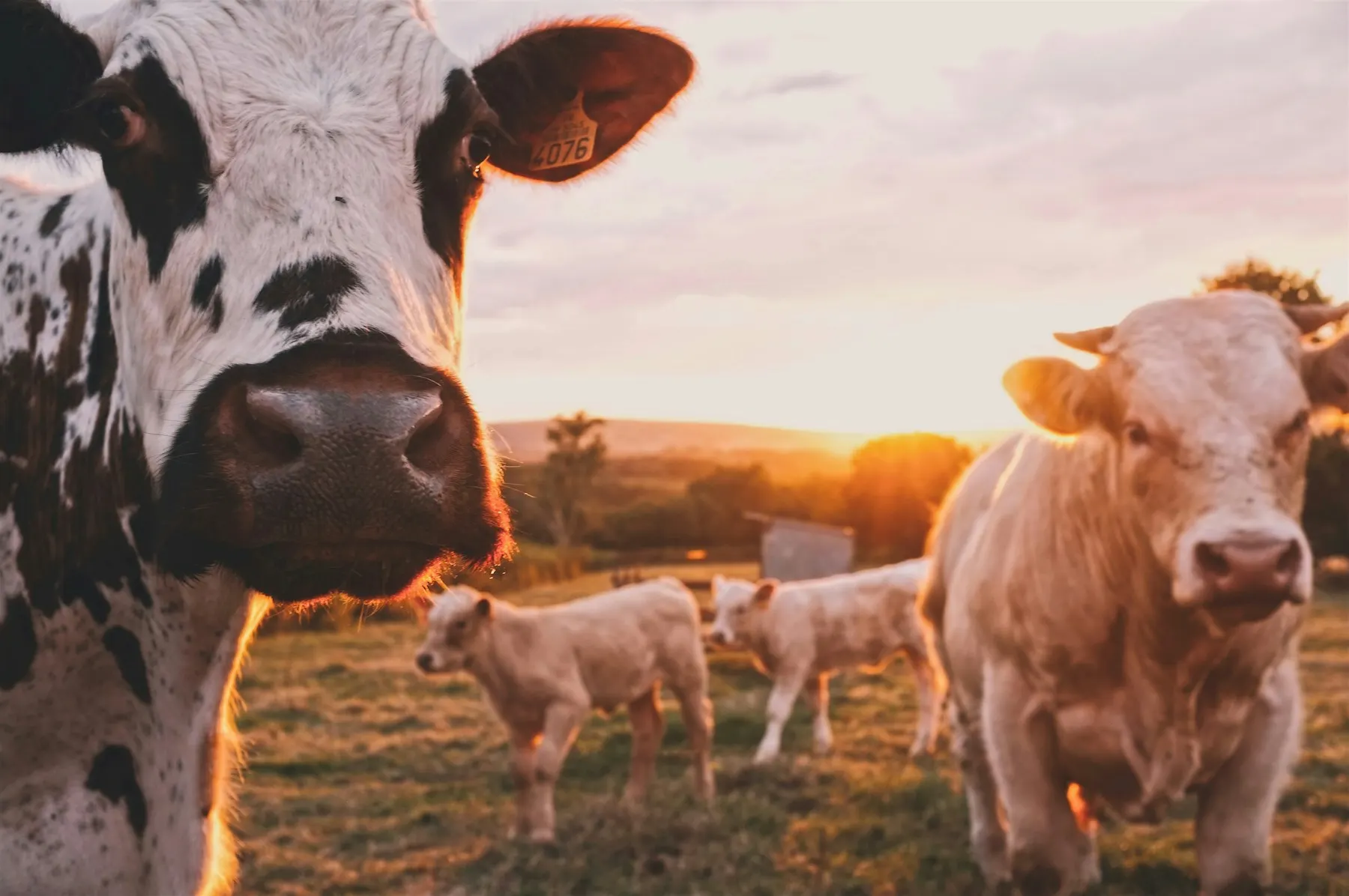
A farm page is free. It includes a description, photos, products and contact details. Once approved, the farm appears in the general catalogue and on the map, and buyers can message you directly.
1. Sign-up
- Click “Create a farm” in the site header.
- Enter your name, e-mail and a password (at least 12 characters) and accept the terms.
- Open the e-mail and confirm your address — without this you cannot submit the form for review.
2. Farm form
The form consists of eight steps. You can fill them in any order — your draft is saved automatically.
- Basic information — name, short and full description, year founded, legal form.
- Location — region and locality from the directory. The exact address is hidden by default; an approximate point is shown on the map.
- Specialisations — types of animals and crops.
- Products and services — what you sell.
- Contacts — phone, WhatsApp, Telegram, social media. Visitors see them only after clicking a button.
- Photos — the farm, animals, fields, products.
- Documents — optional, for a verification badge.
- Submission for review.
3. Photos
- Upload your own real, good-quality photos without other people's logos.
- Photos must not contain phone numbers, links or advertising — there is a separate step for contacts.
- Every photo is checked by a moderator. Until it is approved, only you can see it.
4. Review and publication
The moderator checks the form and photos. If something needs fixing, you will receive a notification listing the fields. Correct them and submit the form again. Once approved, the page will appear in the catalogue.
5. After publication
- Changes to a published page are saved as a new version. Until they are reviewed, the approved version stays on the site.
- Post farm news in the feed and place classified ads.
- Reply to buyer enquiries in your Personal account.
Still have questions? Write to us via the “Contacts” page.